[foreman] ansible ①
이제 이번 foreman 을 구축하게된 계기
ansible 사용을 해보도록 한다.
첫번째로는 보안진단 시 보안진단 스크립트를 실행하는 작업이다.
작업의 흐름은 다음과 같다.
1. 보안진단 스크립트인 linux.sh 를 관리대상서버에 이동시킨다.
2. linux.sh 에 실행권한을 부여한다.
3. linux.sh 를 root 권한으로 실행한다.
4. linux.sh 는 실행이 완료되면 XXXX__result.txt 라는 파일을 생성한다.(이건 스크립트에 있는 과정)
5. *result.txt 라는 파일을 찾아서 foreman 서버로 가져온다.
우선 ansible 을 하기 위한 디렉토리를 foreman 서버에 만들어준다.
# mkdir -p /etc/ansible/roles/linux_secu_asst/{files,tasks}files 디렉토리에는 linux.sh 를 업로드 한다.
tasks 디렉토리에는 ansible 플레이북 중 task 부분을 yml 파일로 작성한다.
foreman 에서 플레이북의 다른 부분을 알아서 진행되기 때문에
tasks 부분만 작성한다. 다른 ansible 파트를 yml 파일에 작성하면 에러가 난다.
작업 흐름에 대한 tasks 파일은 다음과 같이 작성하였다.
파일명은 main.yml 로 한다.
---

- name: Ensure /home/lieper exists on target
  ansible.builtin.file:
    path: /home/lieper
    state: directory
    owner: lieper
    group: lieper
    mode: "0755"
  become: true

- name: Deploy linux.sh to /home/lieper/linux.sh
  ansible.builtin.copy:
    src: linux.sh
    dest: /home/lieper/linux.sh
    owner: root
    group: root
    mode: "0755"
  become: true

- name: Run linux.sh as root
  ansible.builtin.command: /home/lieper/linux.sh
  become: true
  register: abc_run
  changed_when: true

- name: Find result files in /home/lieper
  ansible.builtin.find:
    paths: /home/lieper
    patterns: "*result.txt"
    file_type: file
    recurse: false
  register: result_files
  become: true

- name: Ensure result files are readable (0644)
  ansible.builtin.file:
    path: "{{ item.path }}"
    mode: "0644"
  loop: "{{ result_files.files }}"
  when: result_files.matched | int > 0
  become: true

- name: Fetch all *result.txt files preserving filename (single directory)
  ansible.builtin.fetch:
    src: "{{ item.path }}"
    dest: "/stg/linux_secu_asst_results/"
    flat: true
  loop: "{{ result_files.files }}"
  when: result_files.matched | int > 0

- name: Warn if no result files were found
  ansible.builtin.debug:
    msg: "No result files found in /home/lieper matching *result.txt"
  when: result_files.matched | int == 0
foreman 웹 콘솔에서 생성한 ansible role 을 import 한다.
설정 → ansible → 역할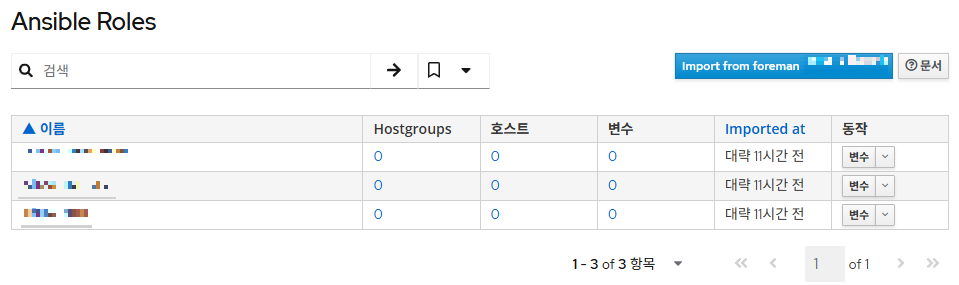
'Import from foreman...' 를 클릭한다.

생성한 'linux_secu_asst' 를 선택하고 '제출' 버튼을 클릭한다.
호스트 그룹에 import 한 ansible role 을 추가해준다.
설정 → 호스트 그룹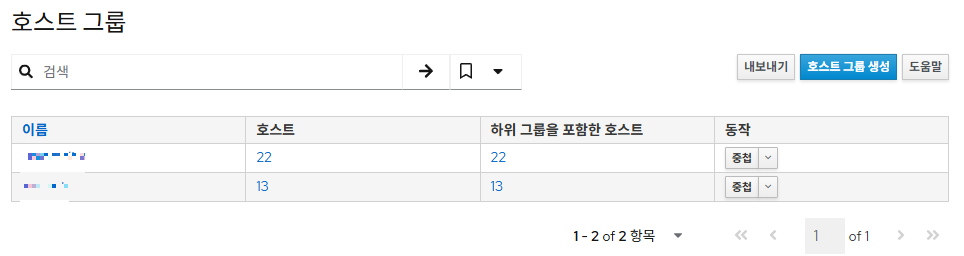
호스트 그룹 이름을 클릭하여 해당 호스트 그룹에 들어간다.
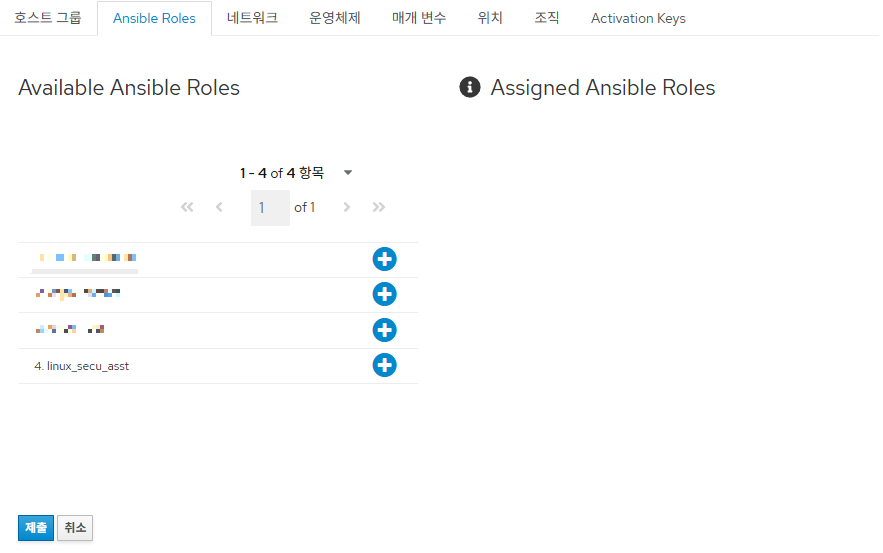
'linux_secu_asst' role 을 '+' 버튼을 클릭해 Assigned 한다.
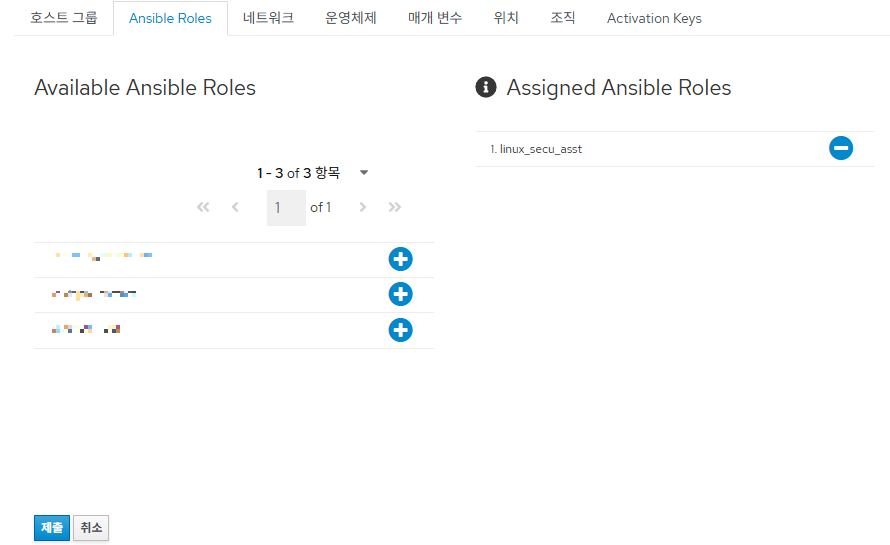
'제출' 버튼을 클릭한다.
해당 그룹에 속한 호스트에 ansible role 을 실행한다.
호스트 → 전체 호스트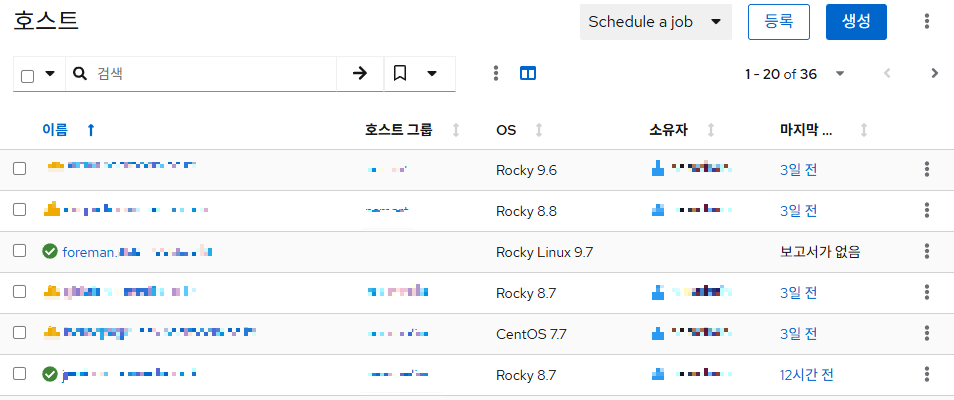
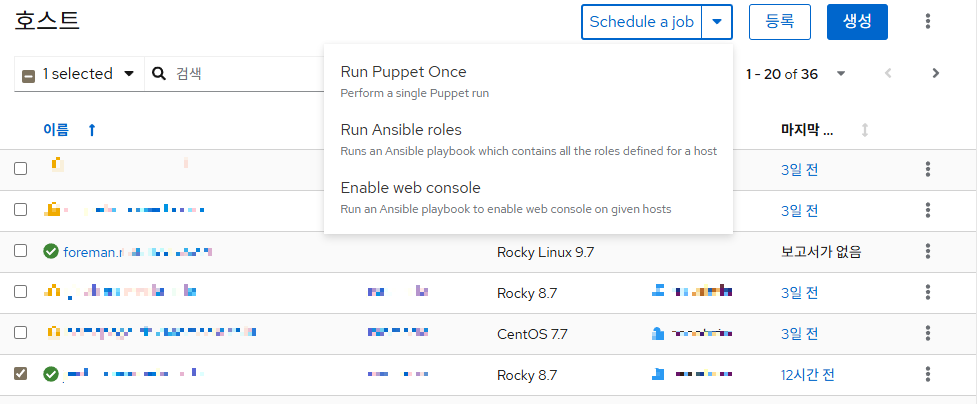
실행할 호스트를 선택하고
'Run ansible roles' 를 클릭한다.
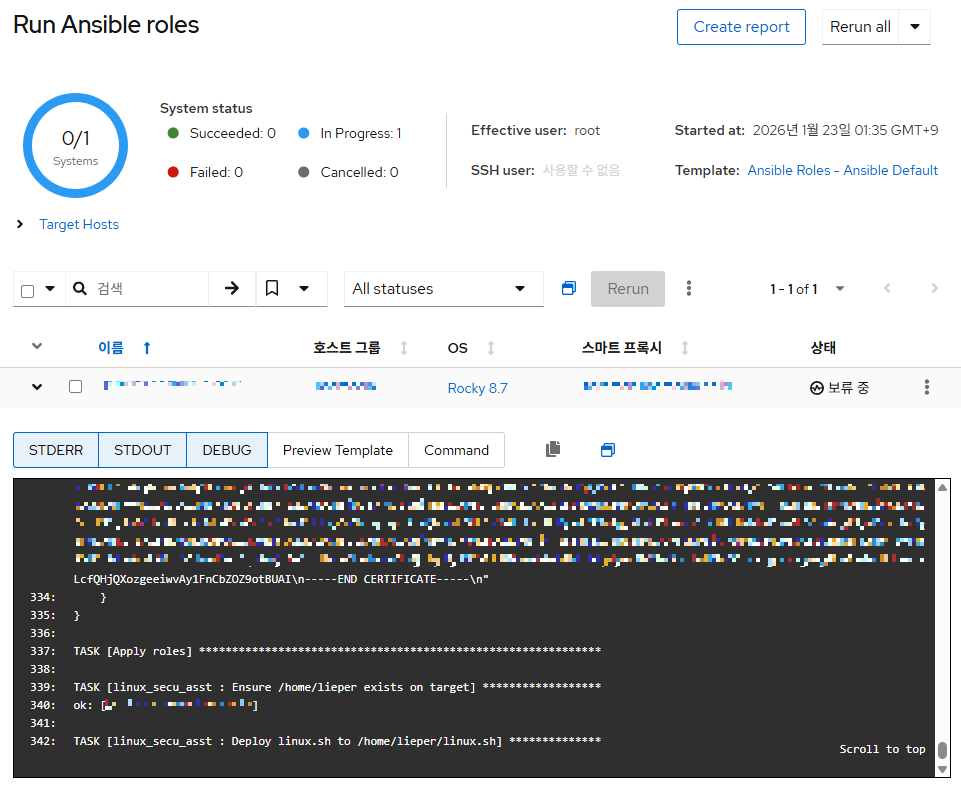
실행중인 상태를 조회할 수 있다.
다음과 같이 정상적으로 완료된 것을 확인할 수 있다.
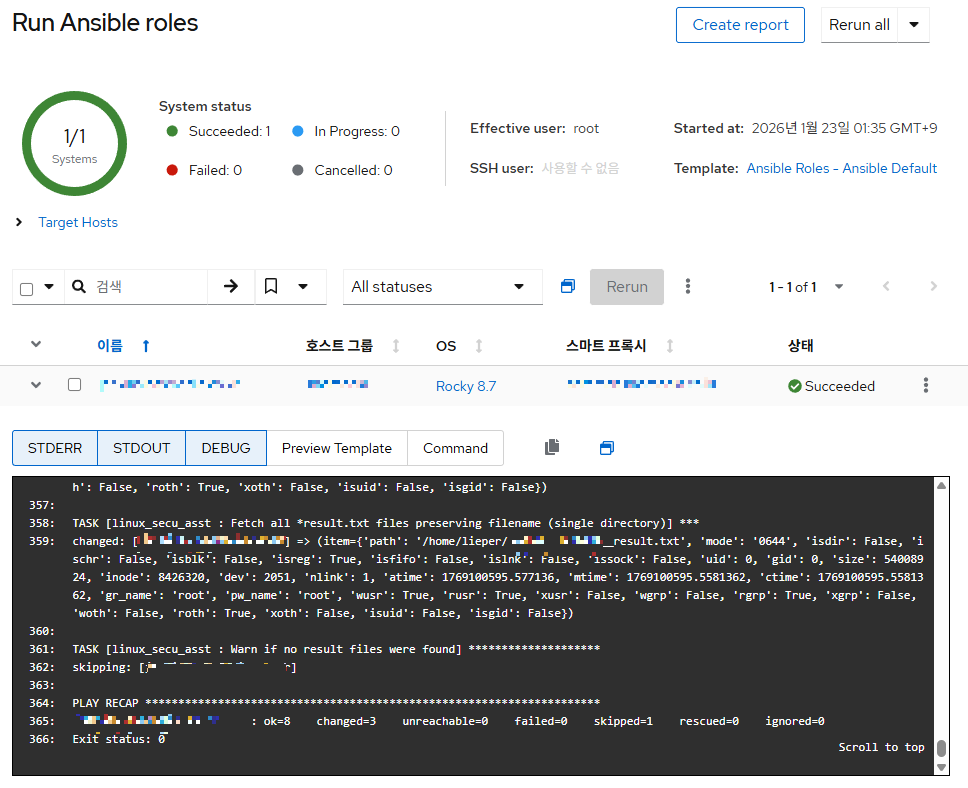
foreman 서버에서도 파일이 정상 수집됐는지 확인한다.
앞으로 보안진단 스크립트를 하나씩 서버에 접속해서 하지 않아도 된다 !!
'Linux' 카테고리의 다른 글
| [foreman] remote execution (0) | 2026.01.18 |
|---|---|
| [foreman] 호스트 등록 ② (0) | 2026.01.17 |
| [foreman] 호스트 등록 ① (0) | 2026.01.16 |
| [foreman] 구축 배경 및 설치 (0) | 2026.01.14 |
| [Linux보안설정] 서비스 관리 ② (0) | 2026.01.14 |